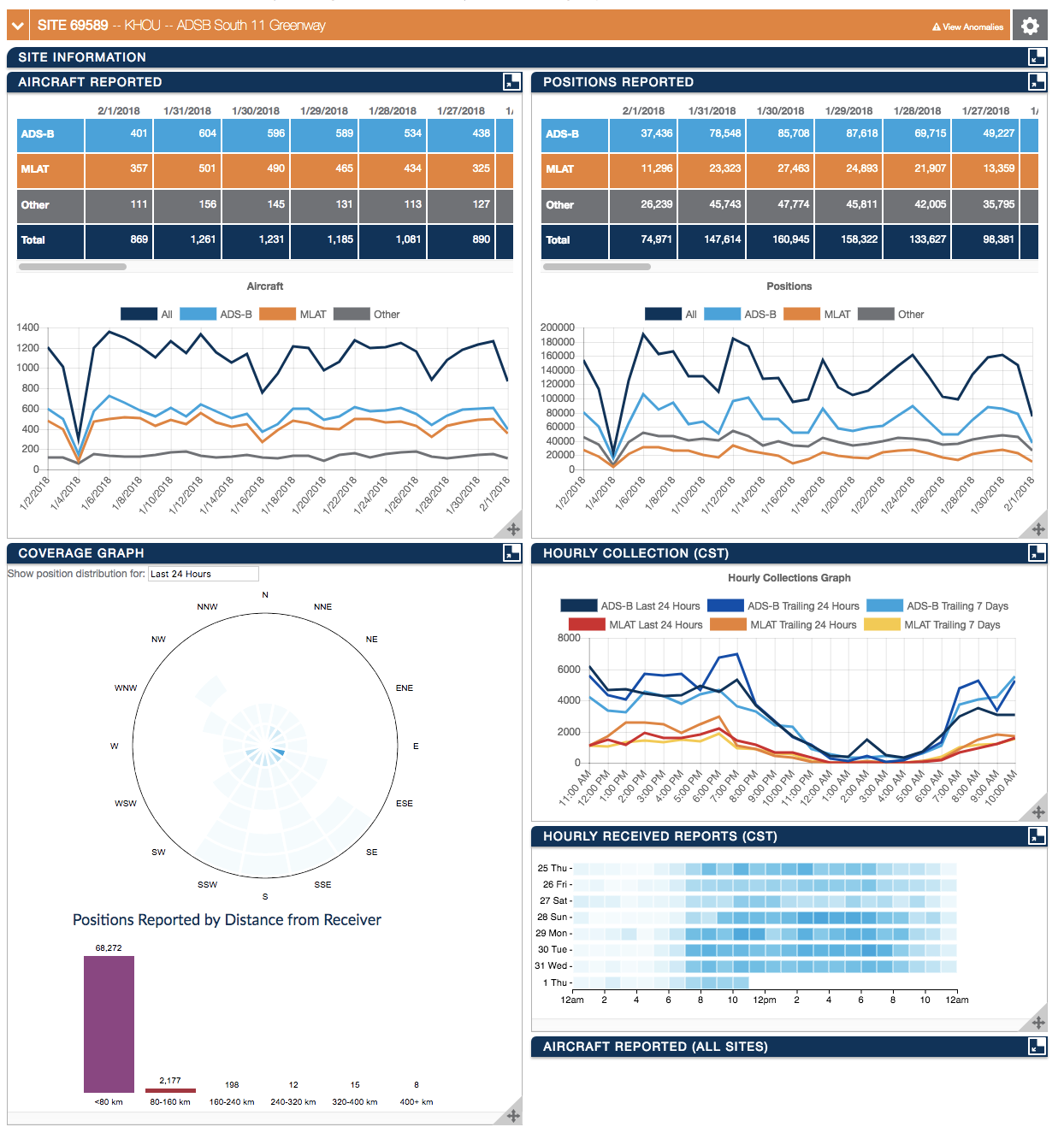
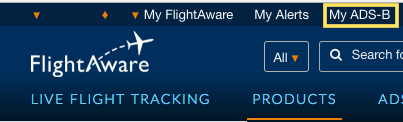
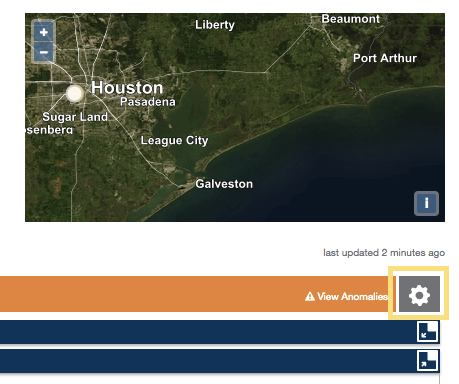
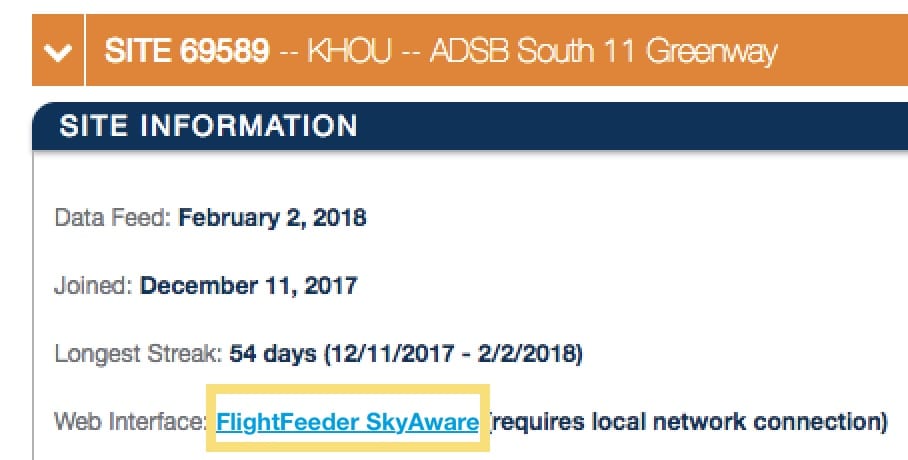
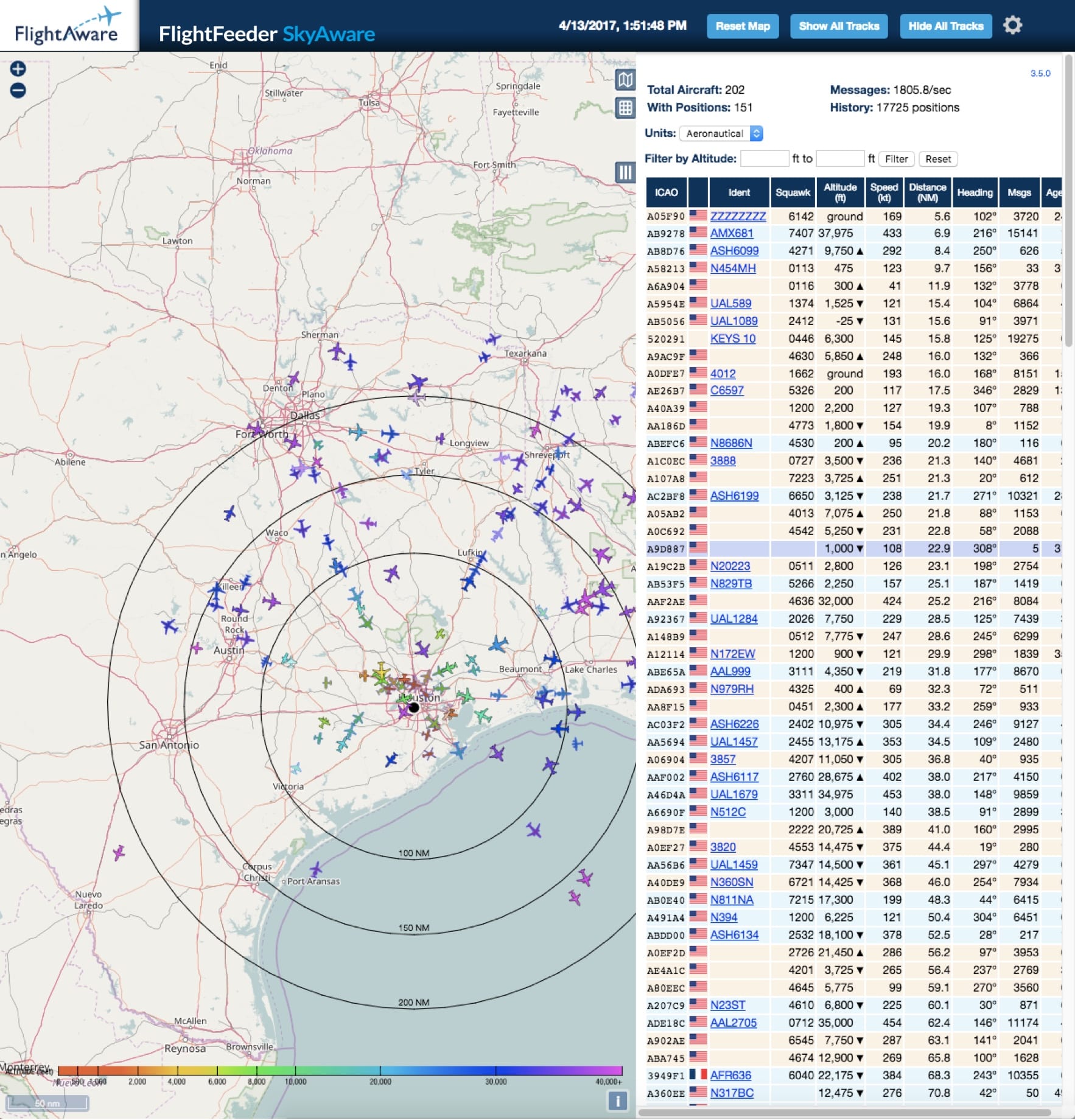
Vous devriez attendre environ quatre ou cinq minutes pour que votre PiAware démarre et ensuite vous pouvez associer votre compte FlightAware avec votre appareil PiAware pour en retirer tous les avantages.
Manually claim your FlightFeeder device online through your FlightFeeder's IP address.
If you have command line access you can get the FlightFeeder's unique ID using the command: With the unique ID for the feeder you can enter it into the end of the URL below in place of the x's:
cat /var/cache/piaware/feeder_id
With the unique ID for the feeder you can enter it into the end of the URL below in place of the x's:
https://www.flightaware.com/adsb/piaware/claim/xxxxxxxx-xxxx-xxxx-xxxx-xxxxxxxx
Si après 5 minutes l'appareil ne s'affiche pas comme étant attribué, essayez de redémarrer l'appareil, si cela ne fonctionne toujours pas, reconfirmez que le paramétrage pour le wifi (si vous utilisez le wifi) est correct. En dernier lieu, contactez-nous sur ADSBsupport@FlightAware.com. Vérifiez votre page de statistiques (lien ci-dessous) pour confirmer qu'il a été attribué.